Many designers and print buyers use the term daily without knowing how it actually works. That gap matters. Understanding dot patterns, halftones, and color limitations affects everything from file prep to final print quality on brochures, packaging, envelopes, and catalogs.
This article breaks down what 4-color process printing is, how it works step by step, where and why it's used across offset and digital presses, and when a different approach — like spot color — actually makes more sense.
Key Takeaways
- Four process inks (cyan, magenta, yellow, black) combine as tiny halftone dots to simulate full-color images
- Default on offset presses and modern digital inkjet systems, including high-speed envelope presses
- Saturated oranges, greens, and many brand hues still need Pantone spot inks for an exact match
- Quality hinges on substrate, press calibration, and building files in CMYK—not RGB
What Is 4-Color Process Printing?
4-color process printing is a method that uses four standard inks (cyan, magenta, yellow, and black) to simulate a broad spectrum of color. Rather than mixing a unique ink for every shade, the press overlaps these four in varying patterns to build the appearance of full-color images.
The result looks continuous and photographic, but it's really an optical illusion. Tiny dots of each ink, printed at different sizes and densities, blend together at normal viewing distance to create the impression of smooth color and tone.
Why "K" and Not "B"?
CMYK's fourth letter causes constant confusion. Black isn't "B" because that could be mistaken for blue. Instead, K stands for "key," referring to the key plate that adds detail, contrast, and depth to an image. Black ink neutralizes images and increases shadow density. Cyan, magenta, and yellow alone can't handle those jobs well, especially for text and fine detail.

Process Color vs. Spot Color
Not all color printing works this way. Spot color (often called Pantone color) uses a single, pre-mixed ink for an exact match — think a corporate logo that must look identical every time. Process color builds that same visual effect from four standard inks layered together. One is precision through pre-mixing; the other is simulation through layering.
The RGB vs. CMYK Problem
Here's where a lot of print jobs go sideways. Screens display color using RGB (red, green, and blue light added together). Printing uses CMYK: cyan, magenta, yellow, and black inks that subtract light by absorbing certain wavelengths.
These are fundamentally different systems, and converting a file from one to the other doesn't always preserve every color exactly as it looked on screen.
How 4-Color Process Printing Works (Conceptual Flow)
The process moves through five stages. A CMYK-ready file (or color-separated artwork) goes in; a finished, full-color print comes out.
- File preparation
- Color separation
- Halftone screening
- Ink application
- Final output
The sections below unpack the technical core: separation, screening, and ink application.
Each color channel gets broken into a pattern of tiny dots, varying in size and spacing to simulate different tones (halftoning). Screen angles are staggered between colors to avoid moiré patterns (distracting visual interference from overlapping dot grids). Calibration standards keep color consistent from run to run.
One such standard is G7, which uses spectrophotometric measurement to achieve gray balance across different printing conditions. According to Idealliance's explanation of G7, GRACoL, and SWOP, G7 paired with a characterized print condition can produce a common visual appearance across processes and paper types. That consistency is what print buyers need when the same job runs on different equipment.
Step 1: Color Separation
The original artwork or image gets digitally separated into four individual channels: one each for cyan, magenta, yellow, and black. Each channel only "knows" about its own ink.
Step 2: Halftone Screening
Each of those four channels is converted into a dot pattern. Dot size and spacing vary to represent different tones and intensities: larger, denser dots for darker areas, smaller and sparser dots for lighter ones.
Step 3: Ink Application and Registration
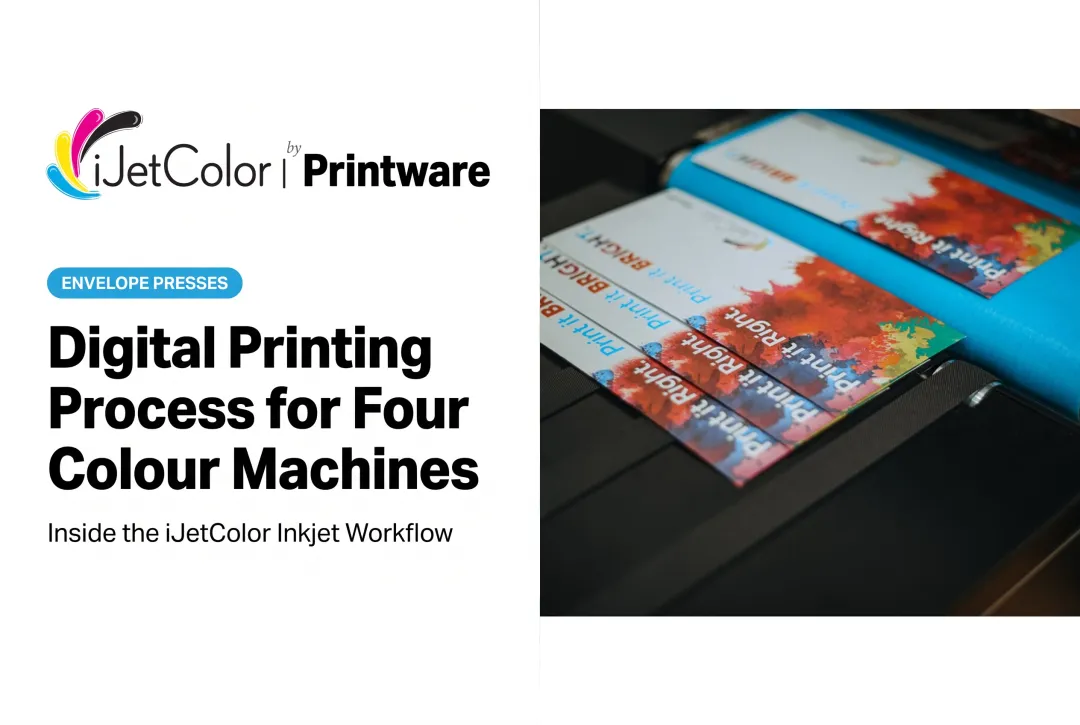
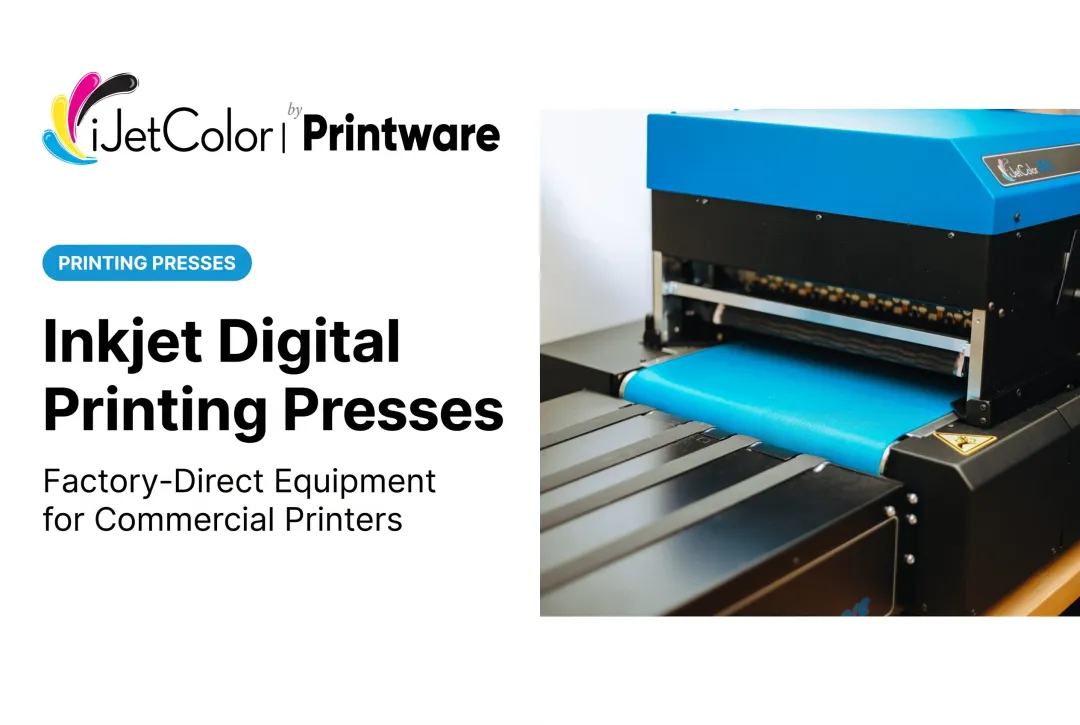
This is where offset and digital diverge. Offset presses apply each color one at a time through separate printing stations. Digital inkjet presses, including iJetColor's HP PageWide and HP TIJ 4.0 thermal inkjet systems, deposit all four colors in a single pass. Either way, precise registration (dot alignment) determines whether the finished image looks sharp or looks blurry and mismatched.

Where & Why 4-Color Process Printing Is Used
CMYK became the industry default for a simple reason: it's the most cost-effective, versatile option for reproducing photographs and complex multicolor artwork without mixing a custom ink for every job.
Commercial print work demands three things: wide color range, consistency, and reproducibility across run lengths from a handful of pieces to hundreds of thousands. Relying only on spot colors for photographic or multi-tone designs quickly becomes cost-prohibitive; you'd need a separate plate (and separate ink) for every hue in the image.
4-color process shows up across nearly every corner of commercial printing:
- Offset lithography presses for long, high-volume runs
- Toner-based digital presses for mid-volume office and commercial jobs
- High-speed digital inkjet presses for short-run, full-bleed production
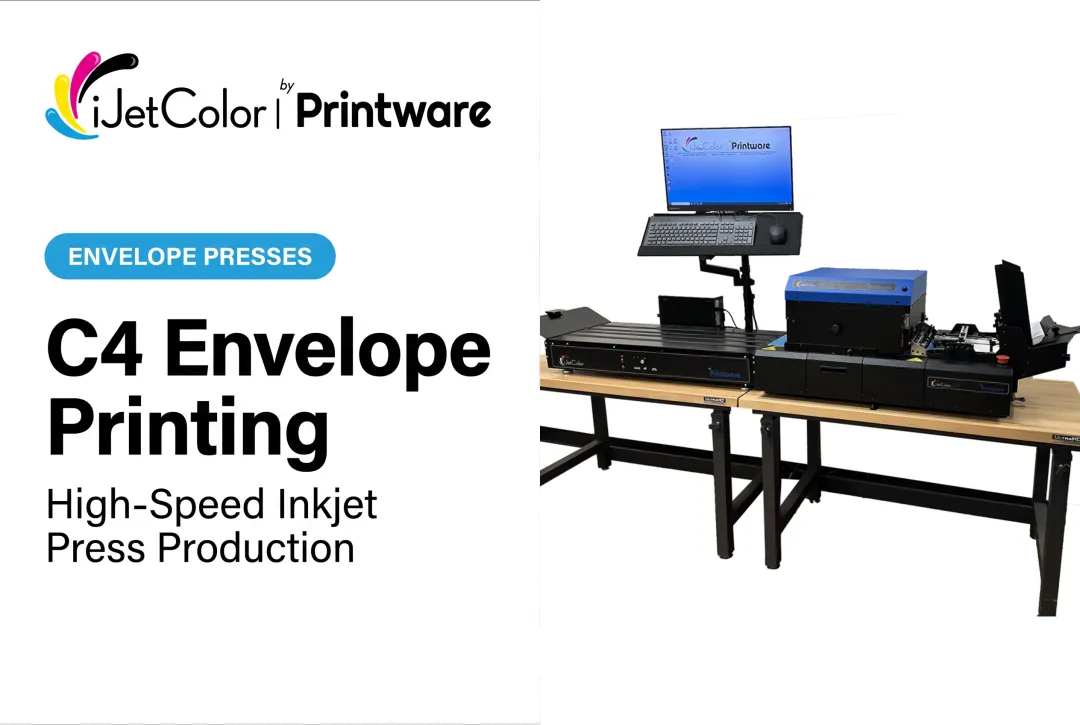
That last category is where iJetColor operates. Presses like the iJetColor 1175, 1175C, and 1175 Pro + PXG use HP FI-1000 PageWide thermal inkjet technology, running at speeds from up to 7,000 to 10,000+ envelopes per hour.
The iJetColor 1275 Pro, built on an HP TIJ 4.0 printbar, applies full CMYK color directly to envelopes at up to 20,000 #10 envelopes per hour. Across the full product line, throughput spans 7,000 to more than 20,000 envelopes per hour, depending on the model.
These systems apply full-bleed, edge-to-edge CMYK color directly to substrates such as envelopes, remittance pieces, catalogs, bubble mailers, and corrugated packaging, without the plate-based setup offset requires. That no-plate flexibility fits the jobs that show up again and again on a print buyer's calendar:
- Catalogs and brochures
- Direct mail campaigns
- Retail and product packaging
- Personalized, variable-data print runs
For virtually any full-color job—offset or digital inkjet—4-color process is the recurring default, not a one-off project choice.
Key Factors and Common Misconceptions
Key Factors That Affect 4-Color Process Output
Several variables determine how CMYK actually looks on the finished piece:
- Substrate type: Coated stock holds ink on the surface with sharper dots; uncoated stock absorbs more ink, causing dot gain (ink spreading) that can shift color and soften detail.
- Press calibration: Ink density settings and color profiles directly affect accuracy and repeatability from run to run.
- Equipment resolution: Screen ruling (for offset) or printhead resolution (for digital) determines how fine the dot pattern is and how sharp the final image looks.
- Run length: Short runs generally favor digital inkjet's low setup cost and fast changeover; long runs often favor offset's per-unit economics.
On iJetColor's digital presses, minimum setup waste runs as low as 1 to 2 envelopes before a job is ready for full production. That gap matters for short-run and variable-data work where offset's plate-making and makeready time simply don't pencil out.
Common Misconceptions
"CMYK can print any color imaginable." It can't. CMYK has real gamut limitations, particularly with highly saturated oranges, greens, and purples that fall outside what four inks can reproduce.
"RGB files print fine — I'll just let the printer convert it." Submitting RGB artwork instead of CMYK-prepared files is one of the most common causes of unexpected color shifts at print. Converting after the fact rarely matches what you saw on screen.
"Stacking all four inks makes small text look richer." Combining CMYK at high percentages to create "rich black" for small text often causes registration problems and legibility issues instead. Most prepress professionals recommend 100% K alone for fine text. It's common production guidance rather than a formal standard, but it holds up in practice.

When 4-Color Process Printing May Not Be the Right Choice
CMYK is the default, not the only option. A few scenarios call for something else:
- Exact brand color matching — When a logo needs a precise "brand red" every time, CMYK can drift. Pantone treats spot color as the standard for a few exact, consistent colors, including corporate identity work.
- Highly saturated colors — Neon greens, certain oranges, and other vivid hues sit outside the CMYK gamut and need alternative ink formulations.
- Simple one- or two-color jobs — Basic forms, single-color letterhead, or plain text don't need a full four-color setup.
The practical takeaway: evaluate your color needs and volume requirements first. Don't default to 4-color process just because it's the industry norm. Match the method to the job.
When a job needs closer brand matching without switching processes entirely, iJetColorFlow 2.0 supports PMS brand-color profiles alongside CMYK True Color printing.
Frequently Asked Questions
What does 4 color printing mean?
It refers to CMYK printing, where cyan, magenta, yellow, and black inks are combined in fine dot patterns to reproduce full-color images. It's the standard method for commercial color printing worldwide.
What is 4 color screen printing?
This applies CMYK-style process color separations within screen printing rather than offset or digital presses. It's typically used for garments or promotional items that need photographic-style designs.
What are the four basic colors used in four-color printing?
Cyan, magenta, yellow, and black (key). Black is added because CMY alone struggles to produce deep, neutral blacks and legible text.
What's the difference between 4-color process and spot color printing?
4-color process simulates colors by layering four inks in dot patterns. Spot color uses a single pre-mixed ink for an exact, consistent match — better for precise brand colors.
Can digital inkjet presses print true 4-color process output?
Yes. Modern systems like iJetColor's HP PageWide and HP TIJ 4.0 thermal inkjet presses apply full CMYK color directly to substrates in a single pass, making them well-suited for short-run, full-color envelope and packaging jobs.
Why does my printed color look different from what I saw on screen?
Screens use light-based RGB color; print uses ink-based CMYK. Converting between the two systems can shift brightness and hue, especially for highly saturated colors.