Introduction
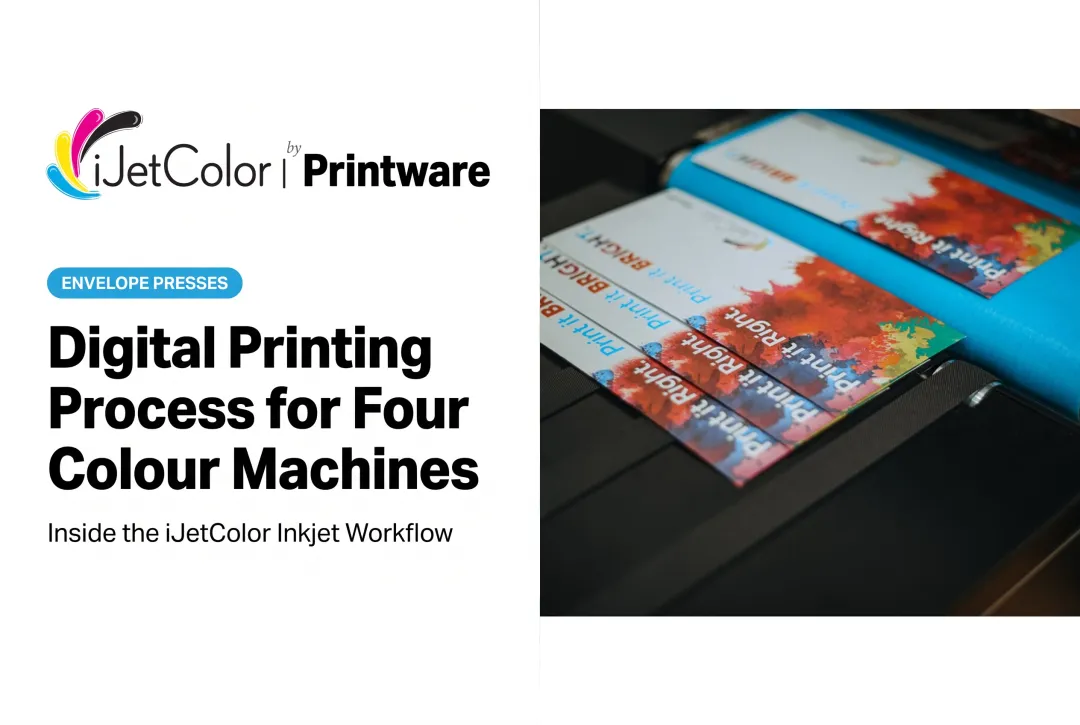
"Full-bleed" gets used loosely. On a production envelope press it means something specific and testable: ink runs to the edge of the piece with no white margin, on every piece, at rated speed.
That is a mechanical achievement as much as an imaging one, and it is worth understanding what these presses actually do — including where the limits are.
Key Takeaways
- Full-bleed means edge-to-edge imaging with no white margin, at production speed
- Maximum print area is 11.7" x 17" on the 1175, 1175C and 1175 Pro + PXG
- The 1275 Pro has a 12.7" maximum print width and images every envelope size up to 12.75"
- Packaging on the 1175 Pro + PXG goes to 14" x 20" and 1/2" thick
- iJetColor does not build wide-format or large-format equipment
- Color is managed through ICC profiles and PMS matching in the DFE and RIP
What These Presses Print — The Actual Numbers
Being precise here saves disappointment later.
| Press | Max print area / width | Feed size | Thickness |
|---|---|---|---|
| HP iJetColor 1175 | 11.7" x 17" | Up to 11.75" x 17" | 1/8" |
| HP iJetColor 1175C | 11.7" x 17" | 3" x 3.5" to 12" x 17" | 3/8" |
| HP iJetColor 1175 Pro + PXG | 11.7" x 17" | Envelopes 2" x 3.5" to 12" x 17"; packaging to 14" x 20" | 3/8" env / 1/2" pkg |
| HP iJetColor 1275 Pro | 12.7" max print width | 12" x 14"; images every envelope size up to 12.75" | — |
What this line is not: wide-format or large-format equipment. There is no roll-to-roll printer, no flatbed, no UV curing and no solvent or latex ink in the range. Banners, vehicle wraps, building graphics and signage are outside what iJetColor builds. If that is the requirement, this is the wrong manufacturer and it is better to hear that now.
What Full-Bleed Actually Requires
Printing to the edge at 10,000 or 20,000 pieces an hour is a transport problem before it is an imaging one. The piece has to be held precisely enough that edge-to-edge coverage lands consistently, and the machine has to tolerate ink reaching the substrate edge.
The line handles this with purpose-built feeding and transport:
- The 1175 has a full-bleed belt system with industry-leading alignment and a Quick Adjust Feeder
- The 1175C uses a Quick Adjust Feeder that is automated and integrated with variable speed
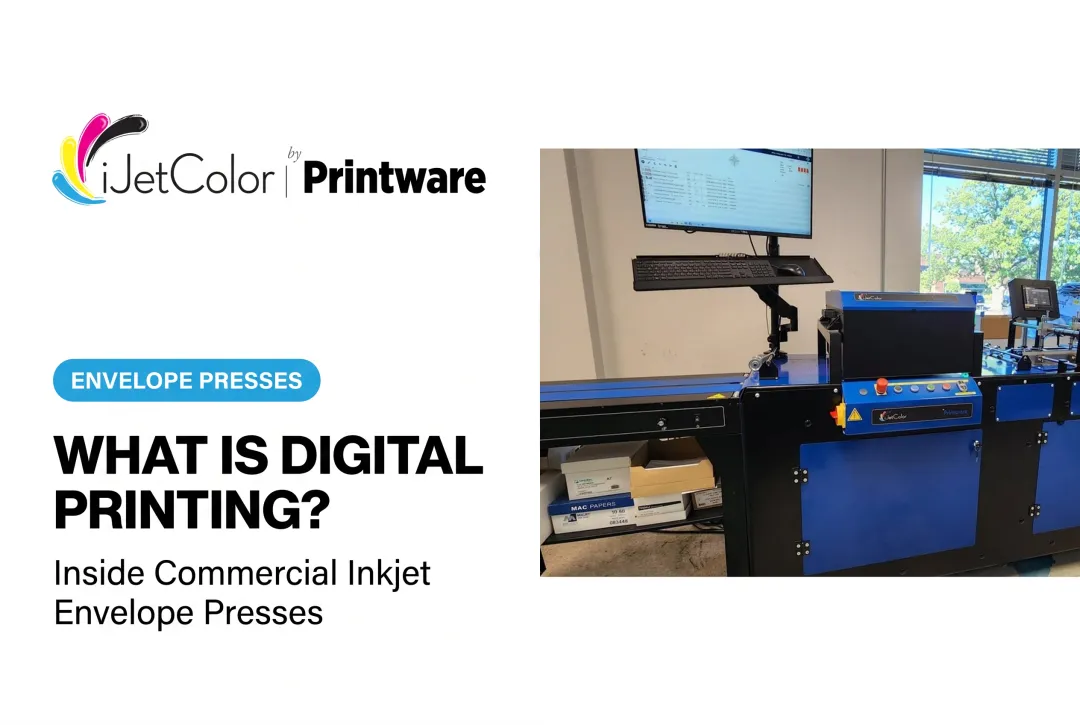
- The 1175 Pro + PXG uses Straight Shooter automated vacuum feeding, plus the integrated PXG feeder for packaging
- The 1275 Pro uses a rotary vacuum pick-up feeder holding up to 1,000 envelopes with roller-based alignment, and an 8 ft smart exit conveyor with double-feed detect
Alignment is what makes full-bleed repeatable rather than occasional.
Color At The Edge
Every press in the line prints full-bleed with PMS color matching from a PDF-based DFE and RIP with built-in ICC color profiles, preloaded on a dedicated CPU. The 1275 Pro prints at 1200 x 1200 dpi with a color matrix of up to 16.8 million colors; the 1175C is also specified at 16.8 million colors.
Ink is pigment-based HP ink that is water, fade and scratch resistant, which matters for full-bleed work specifically: a piece with ink to the edge gets handled at its edges, so scuff resistance is doing visible work.
iJetColor Flow 2.0 adds CMYK True Color, which applies when a color is 100% of a single CMYK channel, plus a Print Quality Optimizer tuning die position and ink density. Die position is directly relevant to edge accuracy on full-bleed jobs.
Preparing Files For Full-Bleed
The usual prepress discipline applies:
- Extend artwork past the trim or finished edge, so slight feed variation never reveals white
- Keep critical content inside a safe margin — text and logos hard against the edge will look like a mistake even when the press is perfect
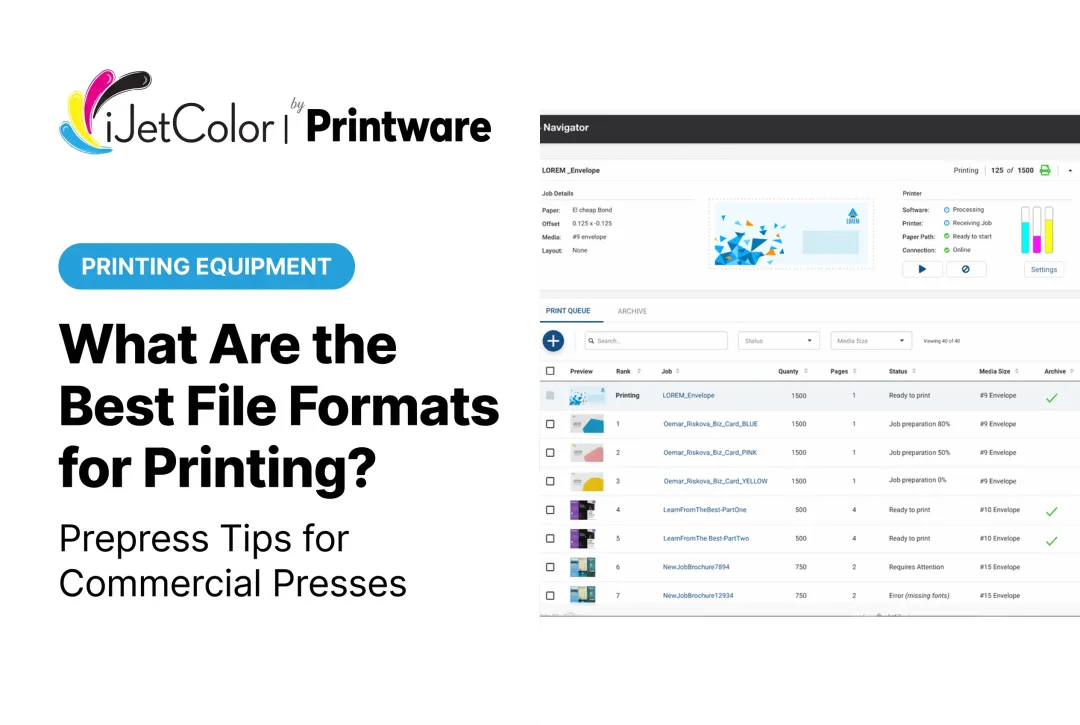
- Supply PDF, since the DFE and RIP is PDF-based with high-speed variable data processing
- Specify PMS colors properly so the RIP can match rather than approximate
- Watch heavy coverage on absorbent stock, where dot gain raises apparent density
Variable data personalization runs through the same path, so a full-bleed personalized envelope is one job, not two processes.
Which Applications Fit
Well matched:
- Full-bleed #10 and specialty envelopes for direct mail
- Personalized variable-data envelope campaigns
- Catalog and booklet envelopes up to the size limits above
- Coin, A7 and C4 style envelope formats
- Short-run branded packaging: paper bags and small corrugate on the 1175 Pro + PXG
Not matched:
- Banners, signage and vehicle wraps
- Anything requiring UV curing or rigid non-porous substrates
- Roll-fed label production with die-cutting
- Any imaging wider than 12.7"
Qualify It With A Sample
The reliable test is your own artwork on your own stock at production speed. Check edge coverage consistency across a real run, color against PMS targets, and durability through your finishing and mailing process.
iJetColor runs live demos from 2935 Waters Rd, Suite 200, St Paul, MN 55121, and provides sample kits on request.
Conclusion
Full-bleed on these presses means genuine edge-to-edge CMYK on envelopes and packaging, held consistently at production speed by feeders and transport built for the job. The limits are equally concrete: 11.7" x 17" print area on most of the line, 12.7" maximum print width on the 1275 Pro, packaging to 14" x 20", and no wide-format capability at all.
Work inside those numbers and the output is excellent. To see full-bleed output on your own stock, call (800) 456-1400.
Frequently Asked Questions
What is the largest thing these presses can print?
Maximum print area is 11.7" x 17" on the 1175, 1175C and 1175 Pro + PXG. The 1275 Pro has a maximum print width of 12.7" and images every envelope size up to 12.75". Packaging on the 1175 Pro + PXG feeds up to 14" x 20" and 1/2" thick.
Does iJetColor make wide-format or large-format printers?
No. The line consists of envelope and packaging presses using aqueous HP thermal inkjet technology. There is no roll-to-roll, flatbed, UV or solvent equipment, so banners, signage and vehicle wraps are outside what these presses do.
Is full-bleed standard or an option?
Standard. Every press in the line prints full-bleed with PMS color matching from a PDF-based DFE and RIP.
How do I prepare a file for full-bleed?
Extend artwork past the finished edge, keep critical content inside a safe margin, supply PDF, and specify PMS colors explicitly so the RIP can match them. Allow for dot gain if you are running heavy coverage on absorbent stock.
What resolution do these presses print at?
The HP iJetColor 1275 Pro prints at 1200 x 1200 dpi with a color matrix of up to 16.8 million colors. The 1175C is also specified at 16.8 million colors.
Can full-bleed and variable data run in the same job?
Yes. The PDF-based DFE handles high-speed variable data processing alongside full-bleed imaging, so a personalized edge-to-edge envelope is a single job through the same workflow.