Introduction
Picture a commercial print shop getting a call at 9 a.m.: a client needs 3,000 custom envelopes printed and mailed by tomorrow. Twenty years ago, that request usually meant turning down the job — setting plates for a run that small rarely made financial sense.
Today, that same shop sends a digital file straight to a press and starts producing finished pieces within minutes.
Many print buyers still confuse digital printing with simply "printing from a computer." Others aren't sure when it beats offset or screen printing, or whether inkjet or toner is the better fit for a given job. That confusion costs businesses money and missed deadlines.
This article breaks down what digital printing actually is, how the major technologies work, and how to figure out which one fits your run lengths, substrates, and budget.
Key Takeaways
- Digital printing sends files straight to press with no plates, cutting setup time and cost on short runs
- Inkjet, laser/toner, and digital offset are the three main technologies—each fits different jobs and volumes
- Variable data printing lets every piece carry unique text or images, ideal for direct mail and packaging
- Pick a process by run length, substrate, speed needs, and budget—not by habit or legacy equipment
What Is Digital Printing?
Digital printing is the process of sending a digital image file (a PDF or desktop publishing file) directly to a printer or press, with no physical printing plate involved. The file itself becomes the master image for every single piece produced.
Mechanically, a print head or toner-based imaging system deposits ink or toner onto a substrate to reproduce that digitized image. Inkjet presses fire microscopic ink droplets from nozzle arrays; toner-based systems use electrostatic charges and heat to fuse pigment to the sheet.
Substrates go well beyond paper. Depending on the press technology, digital presses can handle:
- Standard paper and cardstock
- Envelopes of varying sizes and weights
- Plastics and synthetic substrates
- Fabric and textile materials
- Coated and uncoated stocks
Key Terms to Know
These terms show up often on the shop floor:
- Print head – the component containing nozzles that eject ink droplets onto the substrate
- Inkjet – a digital printing method that sprays liquid ink through fine nozzles
- Toner/dry-toner – pigment-in-polymer beads fused to media using heat and electrostatic charge
- Variable data printing (VDP) – technology that changes text, graphics, or images from one printed piece to the next without stopping the press
How Digital Printing Differs from Analog Printing
Analog methods such as offset, flexography, and letterpress all require a physical plate that carries the image. That plate has to be created, mounted, and eventually replaced for each new job.
Digital printing skips that step entirely. The press reads the file and images directly, a process known as plateless digital imaging.
The practical impact shows up fast:
- Faster setup: No plate-making delay before the first good sheet
- Lower cost for short runs: No plate expense to amortize across a small quantity
- On-demand production: Print exactly what's needed, when it's needed
- Last-minute edits: Change a name, date, or image between pieces without re-tooling

Types of Digital Printing Technology
Three technologies dominate commercial digital printing today: inkjet, laser/toner (electrophotographic), and digital offset. Each handles image transfer differently, and each fits a distinct set of jobs.
Inkjet Printing
Inkjet works by firing microscopic ink droplets from a printhead directly onto the substrate. No intermediate transfer step and no heat-fused powder. Precise droplets build a high-resolution, full-color image.
Modern high-speed production inkjet has closed much of the old speed and cost gap with offset, particularly for envelope, packaging, and direct mail work. Systems built on HP PageWide and HP TIJ 4.0 thermal inkjet technologies now run at commercial volumes that would have seemed unrealistic for inkjet a decade ago.
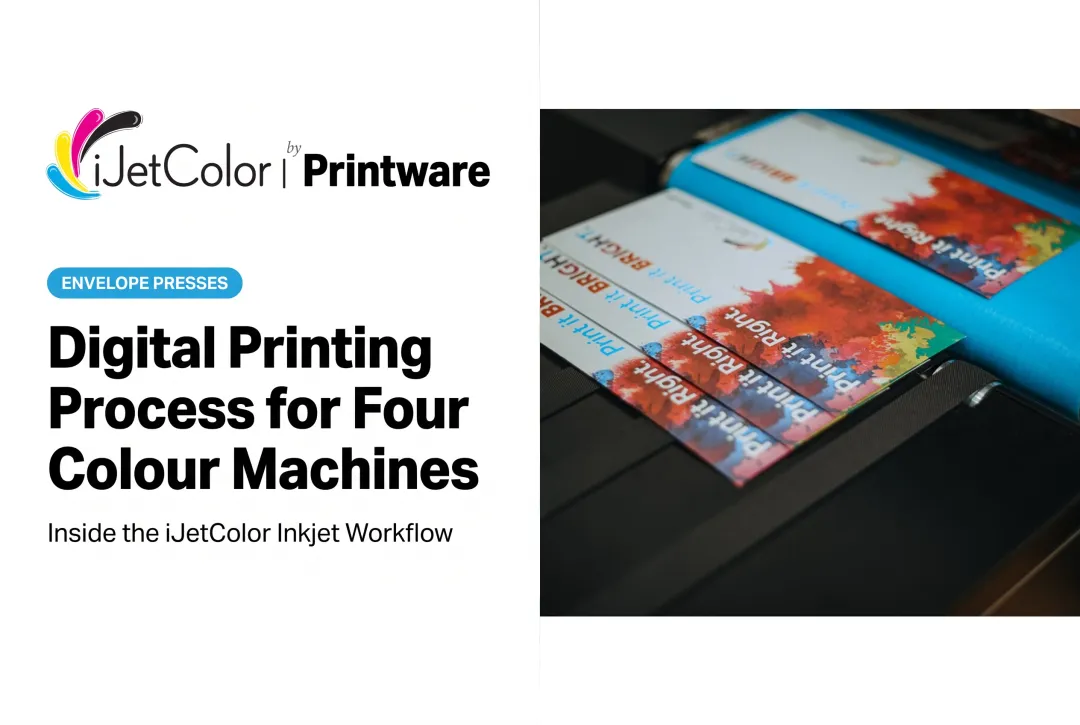
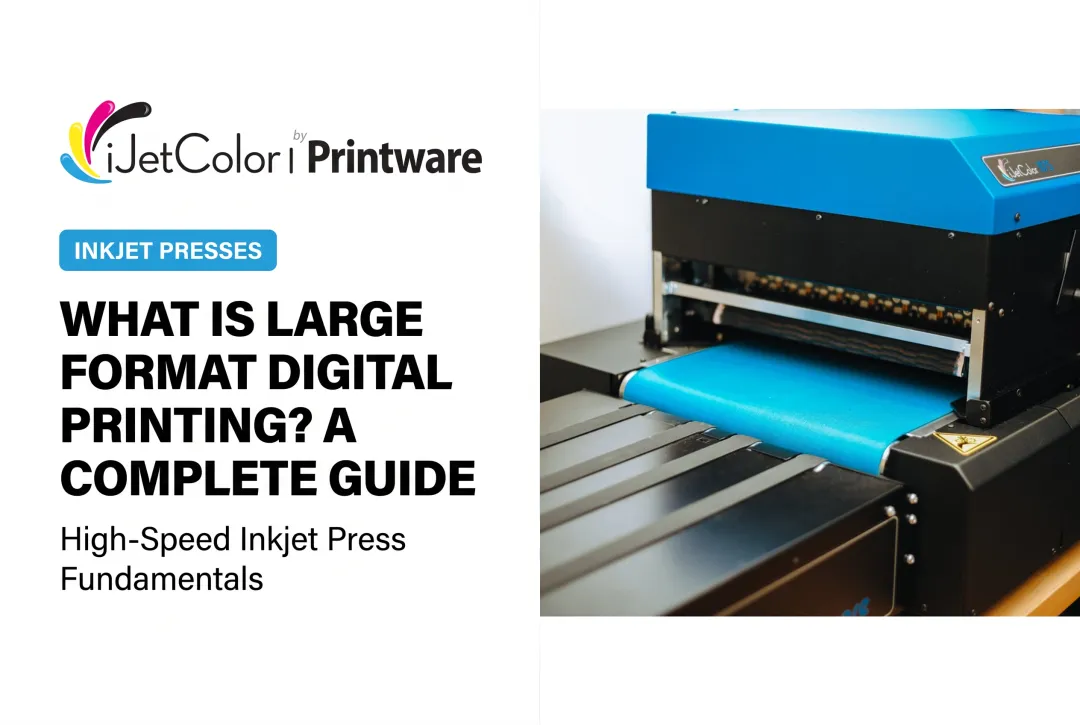
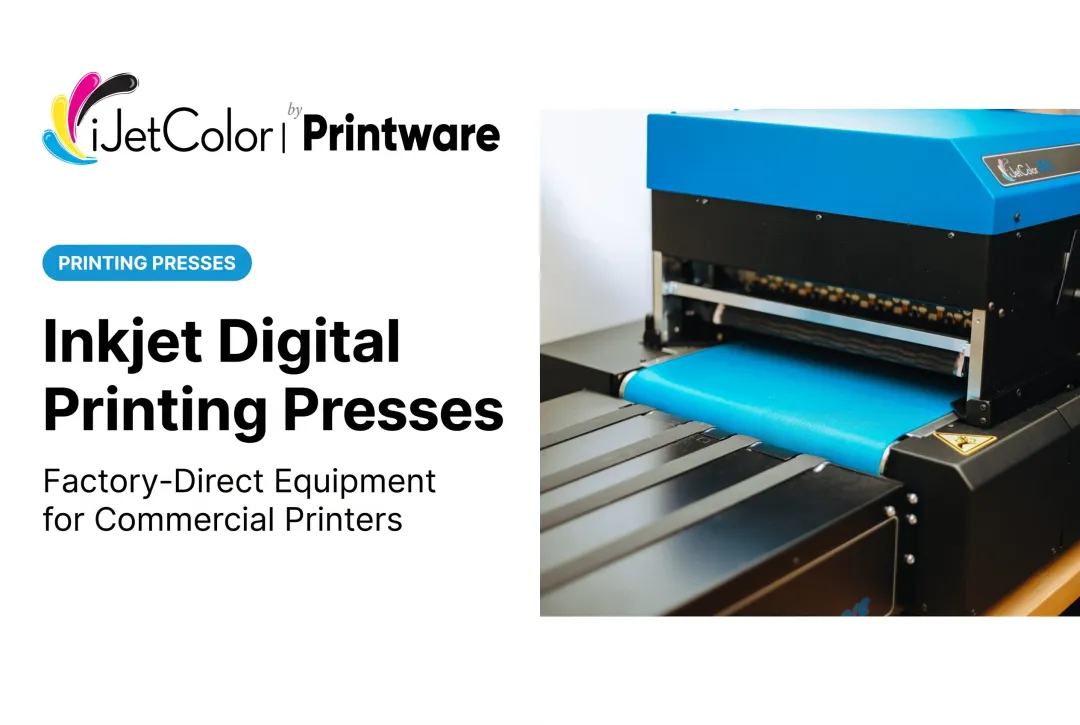
This is where iJetColor's press line fits in. The iJetColor 1175 family runs on HP PageWide full-color thermal inkjet paired with the HP FI-1000 printhead, a four-color system built for full-bleed envelope and packaging output.
Notable specs:
- Pigment-based HP ink that is water, fade, and scratch resistant (built for the mail stream)
- Speeds from 7,000 #10 envelopes/hour on the iJetColor 1175 up to 20,000 on the HP iJetColor 1275 Pro
- 1175 Pro + PXG handles envelopes up to 3/8" thick and packaging substrates up to 1/2"
Laser/Toner Printing
Laser and toner printing uses an electrophotographic process. Toner — pigment carried in polymer beads — gets electrostatically attracted to charged areas of the substrate, then fused permanently using heat.
The result is fast, durable, and generally compact equipment. But toner has real limitations:
- Reduced compatibility with certain glossy or coated stocks unless fuser settings are properly calibrated
- Typically higher cost-per-page than inkjet at commercial volume
- Format and speed ceilings that show up beyond A3+ sizes on many models
Digital Offset Printing
Digital offset combines digital imaging with an offset-style transfer process. A laser exposes a charged imaging plate, ink develops on that plate, transfers to a heated blanket, then contacts the substrate.
Output quality closely mimics traditional offset. Higher equipment cost and specialized operator training mean smaller shops often can't justify these presses for the volume they run.

Digital Printing vs. Traditional Printing Methods
The offset-versus-digital comparison gets oversimplified constantly. There's no single "crossover point" where one method always wins. WhatTheyThink's analysis of crossover claims notes that job specifics, equipment age, and labor all shift the math for every shop.
That said, general patterns hold:
Offset printing becomes more cost-effective at very high volumes once plate and setup costs get spread across thousands of copies. It demands longer setup time and upfront plate expense, which is a real problem for short or urgent jobs.
Screen printing suits bulk, low-detail work well, especially on non-paper substrates like textiles or signage. Screen setup and cleanup between jobs slow it down when detail or turnaround speed matters.
Digital printing handles finer detail and faster turnaround on smaller quantities. No plates, no screens, and no lengthy makeready between jobs.
For most businesses, three factors decide the winner:
- Run length — shorter runs favor digital; higher volumes favor offset
- Turnaround time — digital wins when deadlines are tight
- Personalization needs — anything requiring variable data favors digital
Key Benefits & Business Advantages of Digital Printing
Cost Efficiency and Speed
No plates and no extensive makeready: that combination drives down setup costs for short and variable runs. A shop running fifteen different 500-piece jobs in a week simply can't absorb offset plate costs on each one and stay profitable.
Modern high-speed inkjet builds on that advantage. Systems can process thousands of pieces per hour, cutting labor hours and turnaround time compared with offset or toner-based alternatives.
iJetColor positions its presses on that same advantage: they are faster and more profitable for short-run envelope production than offset, outsourcing, or toner. Shops switching from toner-based envelope systems to iJetColor inkjet presses have reported:
- Full-bleed, four-color output straight from a PDF-based DFE and RIP
- Pigment-based HP ink that holds up to water, fading, and scratching in the mail stream
- Minimal makeready waste before a job run starts
The iJetColor 1175 Pro + PXG, for example, runs 10,000+ envelopes per hour and can support monthly volumes above 150,000 envelopes, output that used to require multiple toner presses running in parallel.
Personalization at Scale
Variable data printing lets every piece in a run carry unique content: a name, address, account number, or custom offer, without slowing the press. That capability is what makes digital printing the default choice for direct mail and targeted marketing.
USPS reports that 88% of marketers say personalized direct mail significantly improves response, and VDP is what makes that personalization practical at commercial volume.
Those gains are not limited to targeting. Modern digital presses also deliver near-offset color fidelity, full-bleed printing, and far less waste on short runs than analog methods allowed.

Applications & Materials for Digital Printing
Digital printing shows up anywhere businesses need speed, customization, or both. Common applications include:
- Marketing materials and promotional pieces
- Business stationery and forms
- Packaging and product labeling
- Direct mail campaigns with variable messaging
- Personalized envelopes for institutional and commercial mailings
Materials vary by press technology. Commercial digital equipment commonly handles:
- Paper and cardstock
- Envelopes
- Plastics and synthetics
- Fabrics
Adoption has spread well beyond traditional print shops. Commercial franchises like Minuteman Press and Sir Speedy have brought iJetColor inkjet systems in-house for envelope work they used to outsource: one Minuteman Press location reported its first color-envelope campaign generated 15 new orders.
Educational institutions have followed the same path. Houston Independent School District has exceeded one million impressions on an iJetColor press. Mailing services, corporate print rooms, and government shops are making the same move to gain speed and keep more work in-house.
Frequently Asked Questions
What is digital printing technology?
Digital printing technology refers to any process (inkjet, laser/toner, or digital offset) that transfers a digital image file directly onto a substrate without a printing plate. It supports on-demand output and variable content.
What does a print technician do?
A print technician installs, calibrates, and troubleshoots printing equipment to keep output quality consistent and downtime low. Daily tasks include loading media, checking registration and density, and performing preventive maintenance.
What's the difference between digital printing and offset printing?
Offset uses physical plates and becomes more economical at very high volumes. Digital printing skips plates entirely, making it faster and more cost-effective for short and variable runs.
What materials can be printed using digital printing?
Common substrates include paper, cardstock, envelopes, plastics, and fabrics, though exact compatibility depends on the specific press and ink or toner system used.
Is digital printing cheaper than offset for small orders?
Yes. Without plate costs or extensive makeready, digital printing typically costs less for short and variable-quantity orders. Offset only becomes more economical once volume climbs high enough to spread its setup costs.
How fast is modern digital inkjet printing compared to older methods?
Modern high-speed inkjet presses can print thousands of pieces per hour, often much faster than comparable toner-based systems. Some commercial inkjet presses now reach 20,000 pieces per hour.