Choosing between them isn't a nostalgia question. It affects print quality, your cost per piece, how much downtime you can tolerate, and whether you can scale volume without adding headcount. The stakes are real: the global inkjet printing market is forecast to hit $117.7 billion in sales in 2024 alone, growing at a 6.6% CAGR through 2029, according to Smithers. That growth isn't happening by accident.
This guide breaks down how each technology works, where each one wins, and how to decide which fits your operation, plus a real example of what happens when a print shop makes the switch.
TL;DR
- Dot matrix uses pins striking an inked ribbon: durable, cheap per page, but low-resolution and slow.
- Inkjet sprays liquid ink through nozzles: high-quality, fast, full color, but requires more maintenance.
- Dot matrix still wins for multi-part forms and receipts; inkjet leads on color work, volume, and packaging.
- The right pick depends on substrate, quality needs, volume, and lifecycle cost, not just the sticker price.
Dot Matrix vs Inkjet: Quick Comparison
Use this side-by-side view before the deeper breakdowns below:
| Factor | Dot Matrix | Inkjet |
|---|---|---|
| Cost | Low upfront cost, cheap ribbons; higher long-term costs from slow throughput and mechanical part wear | Higher upfront investment, but lower cost-per-piece at scale |
| Mechanism | Impact printing: pins strike an inked ribbon against paper | Non-impact printing: thermal or piezoelectric nozzles spray microscopic ink droplets |
| Print Quality & Speed | Lower resolution, limited color, character-by-character or line-based output | High-resolution, full-color output at significantly faster speeds |
| Durability & Maintenance | Mechanically tough, tolerates dust and rough environments; pins and ribbons wear over time | Sensitive to ink viscosity and clogging, but modern models include diagnostics and self-cleaning routines |
| Best Use Case | Multi-part forms, carbon copies, receipts, continuous fanfold logs | Full-color marketing, variable data, packaging, envelopes, high-volume runs |
The cost gap widens as volume increases. WhatTheyThink/Keypoint Intelligence has tracked the industry shift toward larger inkjet devices with lower cost-per-page at production scale.
Dot matrix printers were never built to win on page cost in that environment. They excel at reliable simple text jobs—not full-color, high-volume output.
Dot Matrix Printers: How They Work and Where They Still Fit
The Impact Printing Mechanism
A dot matrix printer forms characters by firing a bank of tiny pins against an inked ribbon, pressing ink onto paper in a pattern of dots. It's mechanical and impact-based: the printhead physically strikes the page. Machines built on this design became the office standard in the 1980s and shaped office printing for the next two decades.
That physical impact is exactly why dot matrix survived the shift to inkjet and laser. Two benefits keep it in service today:
- Simultaneous carbon copies. One pass produces an original plus several carbonless copies—no reprinting. That still matters in invoicing and logistics, where shipping, the customer, and accounting each need a copy.
- Low cost per page. Ribbons are inexpensive, and there's no liquid ink to manage. For plain-text, high-volume, low-frills printing, the ongoing expense stays predictably low.
9-Pin, 24-Pin, and Line Matrix Variations
Not all dot matrix printers are equal. Manufacturer literature draws a clear line: 9-pin printheads are built for speed, while 24-pin printheads add scalable fonts and letter-quality output, better suited to invoices and order forms. For heavier industrial loads, line matrix printers use a hammer bank that shuttles across the page, striking a full line at once rather than character by character.

Where Dot Matrix Printers Are Still Working
You'll find dot matrix equipment still in use in:
- Banking - passbook printers handle an original plus up to six copies on passbooks as thick as 2.6 mm
- Government and administrative offices - carbonless multi-layer forms for citations, permits, and internal records
- Point-of-sale systems - 9-pin receipt printers remain common in retail and food service
- Aviation and logistics - line matrix printers handle delivery sheets, manifests, and bills of lading in hangars, warehouses, and loading docks
Durability is what keeps these machines on the floor. Passbook printheads are rated for hundreds of millions of strokes per wire and tens of thousands of power-on hours between failures—specs that explain why a unit bought a decade ago may still earn its keep in a back office today.
Inkjet Printers: How They Work and Where They Dominate
The Non-Impact Printing Mechanism
Inkjet printers never touch the page. Thermal inkjet heads use a tiny heater to create a vapor bubble that pushes a droplet of ink through a nozzle. Piezoelectric heads apply voltage to a piezo element that flexes and ejects ink without heat.
Either way, there's no mechanical strike—just precisely controlled droplets landing on the substrate.
That precision is why inkjet became the default modern printing technology for anything beyond plain internal paperwork.
Why Inkjet Took Over Modern Production
Two advantages drove the shift:
- Full-color, high-resolution output that makes marketing materials, packaging, and mailers look finished the first time
- Variable data printing that personalizes thousands of pieces (names, offers, QR codes) without slowing the press—something impact printing can't do at scale
Thermal, Piezoelectric, and Industrial-Scale Presses
Consumer and office inkjets use either thermal or piezoelectric heads. Industrial production scales the same core science dramatically.
HP's PageWide architecture, for instance, packs 2,400 nozzles per inch into a stationary printhead array with up to eight-fold nozzle redundancy, a design HP built specifically for production mail and commercial printing. HP TIJ 4.0 thermal inkjet printbars take a similar high-nozzle-density approach for envelopes, corrugate, and flexible packaging.
Where Inkjet Printing Shows Up Today
Inkjet now covers a wide range of jobs:
- Home and office document/photo printing
- Direct mail and personalized marketing pieces
- Commercial envelope production
- Packaging, labels, and short-run box printing
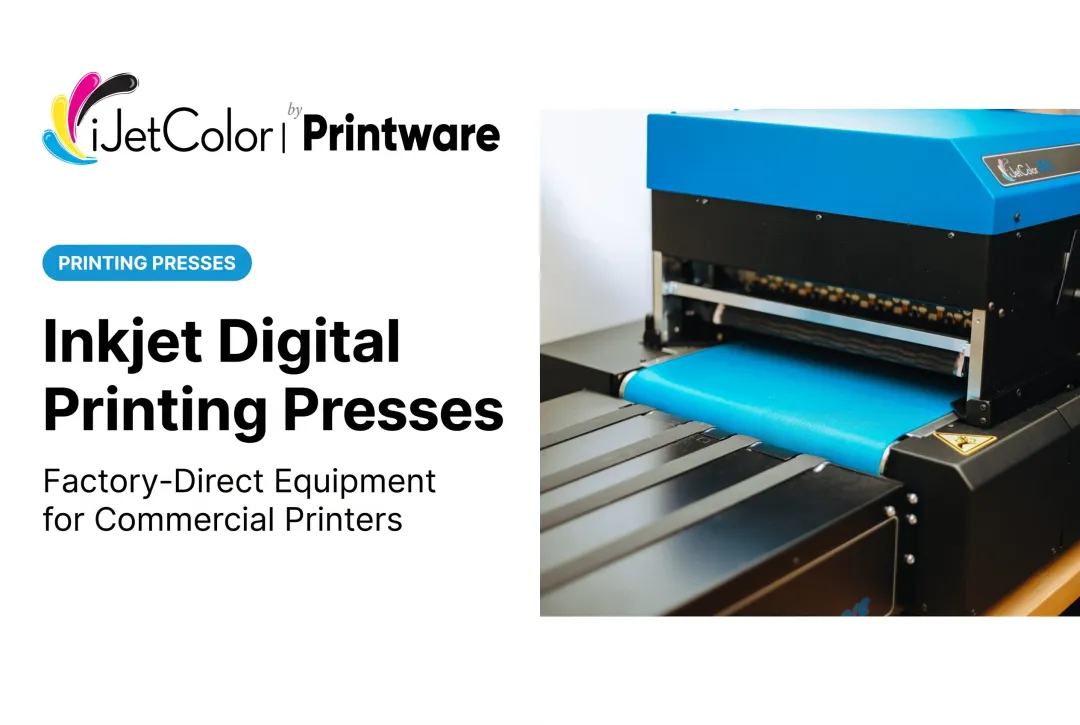
This is the space iJetColor operates in directly. Its HP PageWide and HP TIJ 4.0 thermal inkjet presses print full-bleed, edge-to-edge color at speeds ranging from up to 7,000 envelopes per hour on the HP iJetColor 1175 to up to 20,000 #10 envelopes per hour on the HP iJetColor 1275 Pro, depending on the model—throughput that a legacy impact or toner system can't touch.

The ink matters too. These systems run pigment-based HP ink that is water, fade and scratch resistant, so a mailed piece holds up in transit instead of smearing or fading.
Which Should You Choose? Decision Guide and Real-World Example
The right printer depends on your operation, not a single default winner. Weigh these five factors before you decide:
- Substrate type: plain paper and forms versus envelopes, packaging, and specialty stock
- Required print quality: internal text versus customer-facing full color
- Production volume: occasional runs versus high-volume daily output
- Operating environment: dusty warehouses and vehicles versus climate-controlled print floors
- Maintenance support: in-house mechanical repairs versus manufacturer-backed service
Choose dot matrix if you need multi-part carbon copies in one pass, your equipment runs in extreme heat, cold, or dusty conditions, or your needs are limited to simple, low-cost text output.
Choose inkjet if you need full-color output, faster turnaround, personalized variable data, or the ability to print across substrates like envelopes and packaging.
Case Study: Inkjet Payoff in a Commercial Shop
When the factors above point to inkjet—color, speed, and broader substrates—the gains show up quickly on the floor. Eugene Montanez, owner of Allegra Printing & Imaging in Corona, California, hit that wall with laser/toner: in his words, it was "too slow and the costs were too high." Short-run color jobs were expensive and slow, which capped how much work the shop could take on.
After switching to an iJetColor envelope press, Montanez reported a lower cost of operation than his previous toner system and faster turnaround on short-run color work. In his words: "If you're looking for something that is going to make you money and save you time, the iJet's a great product for you."
For short-run envelope production, iJetColor positions its presses as faster and more profitable than offset, outsourcing, or toner.

If your workload looks like the inkjet path—customer-facing color, envelopes, packaging, or variable data—run the same cost-per-piece and makeready math against a high-speed press like iJetColor and see where it lands on your bottom line.
Conclusion
Neither technology is universally better. Dot matrix remains the right call for niche, rugged, multi-part applications—passbooks, citations, warehouse floors—anywhere durability and carbon copies matter more than color.
Inkjet leads wherever quality, speed, and versatility drive the outcome. That includes direct mail, packaging, envelopes, and full-color commercial print runs.
The right choice comes down to matching each technology's real strengths to what your operation actually needs: durability and simplicity on one side, color quality and production speed on the other. Before investing either way, run total cost of ownership over the equipment's full lifecycle—not just the sticker price. That's the number that tells you which printer earns its keep.
Frequently Asked Questions
Can you still buy a dot matrix printer?
Yes. A handful of manufacturers still produce dot matrix and line matrix printers for niche applications like multi-part forms and point-of-sale receipts.
Does a dot matrix printer use ink?
Not liquid ink. It uses an ink-soaked ribbon, and pins strike the ribbon to transfer an impression onto the paper underneath.
Which is faster, a dot matrix printer or an inkjet printer?
Inkjet, by a wide margin. Non-impact nozzle technology lets industrial inkjet presses output thousands of pieces per hour, far outpacing character-by-character impact printing.
Can inkjet printers create multi-part carbon copies like dot matrix printers?
No. Inkjet is non-impact, so it can't physically press through layered carbonless paper. Variable data printing offers a digital alternative, personalizing multiple separate copies instead.
What are the main disadvantages of dot matrix printers today?
They include low resolution, limited color (often just black or black/red), noisy operation, and slower speeds than modern inkjet.
Is it cheaper to run a dot matrix printer or an inkjet printer for high-volume printing?
Dot matrix has lower upfront and ribbon costs, but high-speed inkjet typically wins on total cost-per-piece at volume thanks to faster speeds and less labor and waste.