Introduction
Envelope printing covers a lot of ground. On one end, you've got someone addressing 40 holiday cards at the kitchen table. On the other, a mail house is running 200,000 pieces a month for a client's billing cycle.
Yet most printer reviews test envelopes the same way regardless of which reader they're talking to, and almost none account for the mechanical stress envelopes actually put on a paper path.
That gap matters. The wrong printer means jammed feed trays, ink that smears in the rain, misaligned addresses, and for businesses, a cost-per-piece that quietly eats into margin.
USPS handled 108.695 billion pieces of mail in fiscal year 2025, including nearly 57 billion Marketing Mail pieces, according to USPS's FY2025 results report. That's a lot of envelopes moving through a lot of printers.
This guide covers what to look for at both ends of that range, and the commercial-grade systems built for businesses printing envelopes at scale.
TL;DR
- Desktop inkjets/lasers suit personal and light office use; commercial inkjet presses serve mail houses and fulfillment centers
- Selection hinges on paper path design, envelope size compatibility, DPI, ink adhesion, and duty cycle
- Picks cover the full commercial range, from a compact benchtop press to a 20,000-per-hour production line
- Shops printing thousands to hundreds of thousands monthly should weigh systems like iJetColor for lower cost-per-piece
- Match duty cycle and media path to volume before optimizing for print quality or extras
Overview of Envelope Printers in the Printing & Mailing Market
An envelope printer is any device built to feed and print on envelope stock without jamming, smearing, or misfeeding. The deciding factor is the paper path, not the brand name. A straight-through path handles multi-layer, seamed envelope construction far better than a curved path, which tends to flex and crease the extra layers at the flap and seams.

The market splits into two clear segments:
- Desktop/SMB printers — inkjets and lasers designed for home offices, small businesses, and occasional envelope runs
- Production-grade systems — high-speed inkjet presses used by commercial printers, mailing service providers, and fulfillment centers running thousands of pieces per shift
USPS Marketing Mail alone accounted for 56.756 billion pieces in FY2025, so the commercial side of this market is a full-scale industry built around printing, sorting, and mailing envelopes at speed. The list below covers the production-grade options built for that side of the market.
Top Printers for Envelopes in 2026
Each pick was evaluated on reliability, paper handling, print quality, underlying technology, and value, measured against real-world use rather than spec-sheet claims alone.
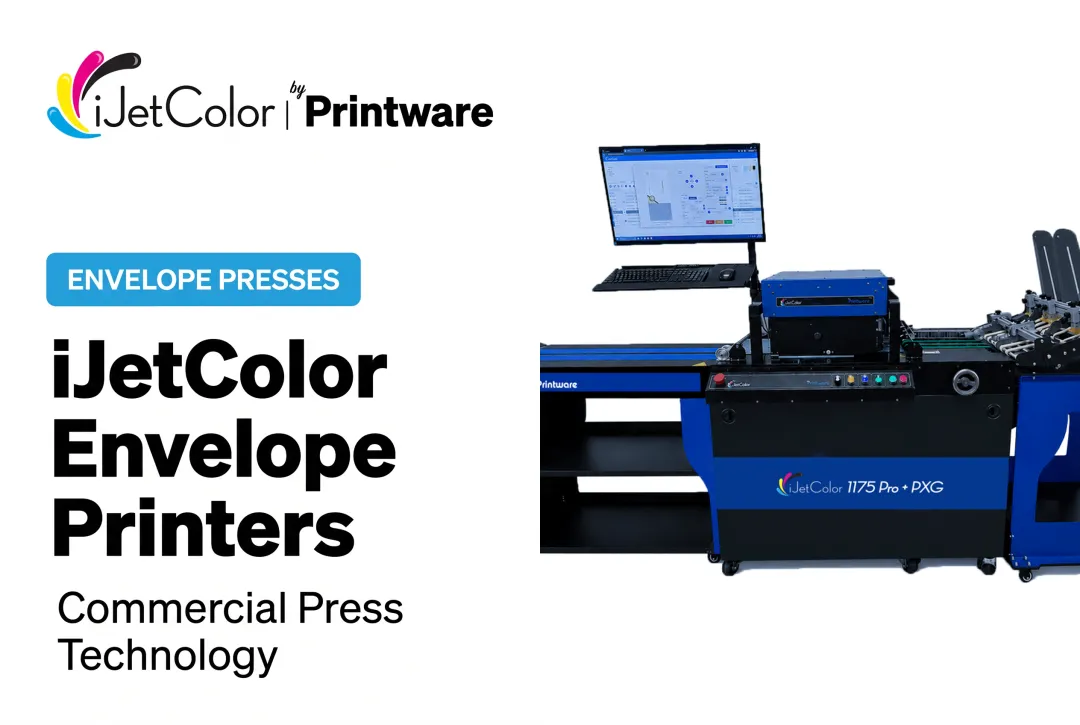
HP iJetColor 1175 Pro + PXG (by Printware)
Printware has spent 40+ years building print equipment, and its iJetColor line applies that experience to high-speed inkjet envelope and packaging presses built for mail houses, commercial printers, and fulfillment operations.
The 1175 Pro + PXG is built around HP PageWide technology with the HP FI-1000 printhead, delivering full-bleed, four-edge color printing. It runs pigment-based HP ink that is water, fade, and scratch resistant, so addressed pieces survive mail transit without fading or smudging.
Job changeovers need minimal makeready, and the system supports variable data printing for personalized runs.
| Category | Details |
|---|---|
| Speed & Capacity | 10,000+ envelopes/hour; 18 ips on packaging; 150,000+ envelopes/month |
| Technology | HP FI-1000 PageWide thermal inkjet; Straight Shooter vacuum feed plus integrated PXG feeder; envelopes to 3/8" thick, packaging to 1/2" |
| Cost Efficiency | Faster and more profitable for short-run envelope production than offset, outsourcing, or toner |
HP iJetColor 1275 Pro
The 1275 Pro is the fastest press in the line, aimed at mail houses and commercial printers moving offset-scale envelope volumes onto digital.
It runs an HP TIJ 4.0 108 mm CMYK printbar at 1200 x 1200 dpi, fed by a rotary vacuum pick-up feeder that holds up to 1,000 envelopes with roller-based alignment, and delivers onto an 8 ft smart exit conveyor with double-feed detect.
| Category | Details |
|---|---|
| Speed | Up to 20,000 #10 envelopes/hour |
| Media Handling | 12" x 14" feed; images every envelope size up to 12.75"; max print width 12.7" |
| Install Requirements | 18 ft x 4 ft footprint; 220V 30A plus 110V 15A |
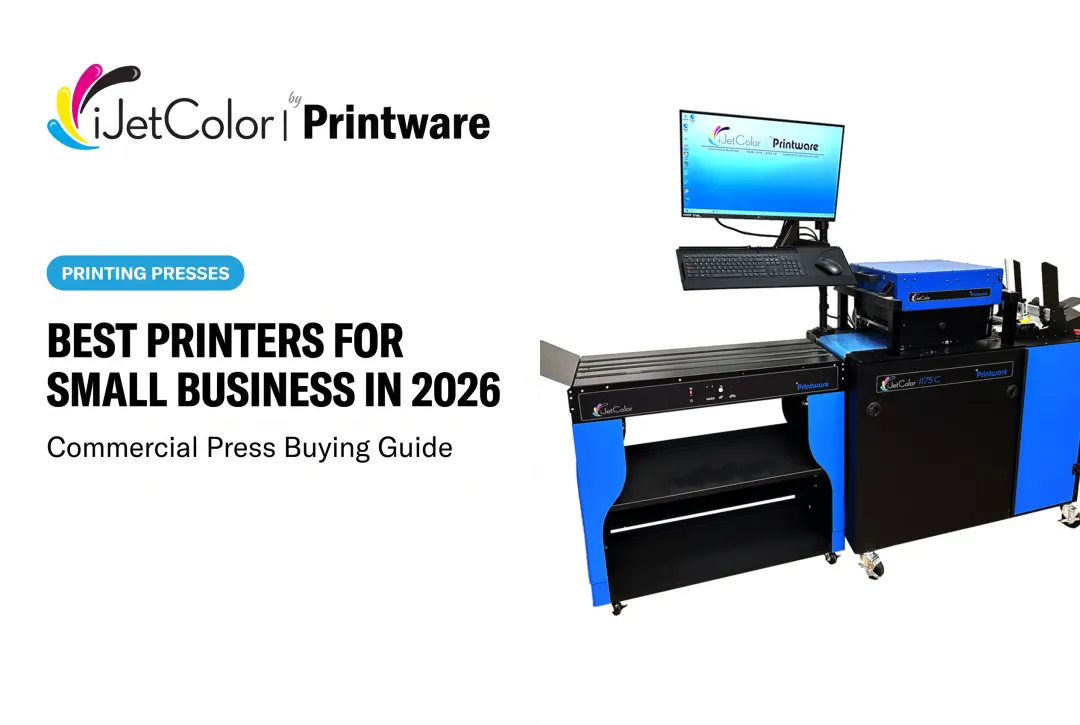
HP iJetColor 1175C
The 1175C is the console-based industrial system in the middle of the range, engineered so a single operator can keep it running through a shift.
A Quick Adjust Feeder and the iJetColor Assist tablet shorten changeovers, the HP FI-1000 printhead is rated up to 1 million impressions, and the press ships with a 5-year service program.
| Category | Details |
|---|---|
| Speed & Capacity | 6,210 to 10,000+ envelopes/hour; 100,000+ envelopes/month |
| Media Handling | Envelopes 3" x 3.5" min to 12" x 17" max; 3/8" thickness; max print width 11.7" x 17" |
| Install Requirements | 9 ft x 3 ft footprint; 110V 15A, 2 outlets |
HP iJetColor 1175
The 1175 is the compact benchtop entry point, a 2023 production-class machine for shops bringing short-run envelope work in-house for the first time.
It uses the same HP FI-1000 PageWide printhead as the larger models, comes with the iJetColor Assist tablet, and is sold with the iJetColor Ink-Only plan and a 5-year service program. Free nesting envelopes are included.
| Category | Details |
|---|---|
| Speed | Up to 7,000 #10 envelopes/hour |
| Media Handling | Up to 11.75" x 17"; 1/8" thickness; max print area 11.7" x 17" |
| Install Requirements | 9 ft x 3 ft footprint; 110V 15A, 4 outlets |
iJetColor Flow 2.0
Flow 2.0 is not a printer but the DFE-based RIP software and HP printhead firmware upgrade for all iJetColor 1175 models, and it is often the cheapest way to get more out of a press you already own.
It adds CMYK True Color (which applies where a color is 100% of a single CMYK channel), a Print Quality Optimizer for die position and ink density, and a cost calculator with CSV export.
| Category | Details |
|---|---|
| Job Management | Sortable and editable job table, even/odd pages, reverse order, length-based scaling |
| Install | Remote install by TeamViewer in 10-15 minutes |
| Price | $990, or $490 with iJetAdvantage; free to 2025-model users. The PQ Optimizer tool is free for all 1175 models |

When Does It Make Sense to Upgrade to a Commercial-Grade Envelope Printing System?
Desktop printers work fine until they don't. The warning signs usually show up gradually, then all at once:
- Jams becoming a regular part of every batch over a few hundred pieces
- Ink or toner costs climbing faster than the volume you're actually printing
- Turnaround slipping because someone has to babysit the printer, reloading trays by hand
- Manual reloading eating hours out of a week when jobs hit the thousands
Volume is the real signal. Businesses printing a few hundred envelopes a month can stick with desktop equipment. Once volume climbs toward 20,000–50,000 envelopes monthly, it's worth evaluating entry-level commercial inkjet systems.
Cross 50,000 a month, and a dedicated commercial press starts to make clear financial sense. Desktop machines simply weren't engineered for that kind of duty cycle.
The economics back this up. iJetColor's position is that its presses are faster and more profitable for short-run envelope production than offset, outsourcing, or toner — a gap wide enough to change whether sending envelope work outside still makes sense. Ask any vendor to run cost-per-piece against your own job mix before you commit, and book a live demo; iJetColor runs them from its St Paul, MN facility and will send sample kits on request.
There's also a capability gap desktop printers can't close: variable data printing. Personalizing thousands of envelopes with different names, addresses, or offers per piece requires software built for it — something commercial RIP systems handle natively and desktop drivers generally don't.
How We Chose the Best Printers for Envelopes
Manufacturer speed ratings look great on a spec sheet and mean far less in practice. A printer rated at "20 ppm" often slows dramatically once you introduce envelope thickness, seams, and flaps into the paper path. This list weighed real-world performance over marketing numbers.
Each printer was evaluated on:
- DPI and print quality — sharp enough for addresses and, where relevant, full-color designs
- Ink adhesion and durability — whether output survives handling, moisture, and transit
- Duty cycle and volume capacity — matched against realistic monthly output, not best-case scenarios
- Connectivity — how easily the printer fits into an existing workflow
- Operator feedback — downtime, reload frequency, and cost-per-piece from shops running these machines daily
Those criteria map to business outcomes: fewer jams mean less downtime, stronger ink adhesion means fewer reprints, and the right duty cycle keeps production moving without constant babysitting.

Conclusion
The best envelope printer is the one that matches your volume and goals. A home office running holiday cards doesn't need what a mail house running six-figure monthly volumes needs, and buying on brand reputation alone tends to backfire either way.
Before you buy, weigh ongoing performance, scalability, and true cost-per-piece—not just sticker price. Commercial printers and mailing operations ready to move past desktop limits can review iJetColor's high-speed inkjet envelope solutions and get manufacturer-direct support.
Frequently Asked Questions
What is the best way to print envelopes?
Confirm your printer's tray supports your envelope size and thickness, then load by your model's feed orientation (check the manual). A straight-through paper path reduces jams significantly.
What printer is best for printing envelopes?
It depends entirely on volume. Desktop inkjets or lasers work well for personal or low-volume business use, while commercial-grade inkjet presses like iJetColor's systems are built for businesses printing thousands or more envelopes monthly.
Can a printer print on envelopes?
Most inkjet and laser printers can handle envelopes with the right tray and settings. Straight-through paths handle multi-layer, seamed stock more reliably; avoid envelopes with clasps, windows, or coated linings, which are the most common cause of jams.
What DPI resolution is needed for envelope printing?
For standard address text and logos, 600 x 600 DPI is plenty. USPS recommends this resolution for inkjet-printed shipping labels so they scan reliably; full-color designs benefit from higher resolution.
What's the difference between inkjet and laser printers for envelopes?
Inkjets generally handle full-color designs and varied envelope stocks better. Laser printers print monochrome text faster at higher volume but can warp glossy or coated envelopes due to heat from the fuser.
How many envelopes can a commercial inkjet printer produce per hour?
Commercial-grade systems vary widely by model. iJetColor's press line spans 7,000 to 20,000 envelopes per hour — from the compact 1175 up to the 1275 Pro — with the 1175 Pro + PXG reaching 10,000+ per hour, far beyond desktop output.